

OuluBot

Ask OuluBot about the City of Oulu's services. Open OuluBot and type in your question. You can find OuluBot on the bottom right of this website.
OuluBot understands best when you use complete sentences instead of single words.
If OuluBot cannot answer your question, it will redirect your conversation to a customer service representative. You may also ask OuluBot to redirect a conversation to customer service.
OuluBot uses generative artificial intelligence, so do not include personal information in your questions. In some situations, such as when giving feedback, OuluBot may ask for your contact details. In these cases, OuluBot does not use generative artificial intelligence, so providing your information is safe.
OuluBot Contents
At the moment, OuluBot can provide you with answers on multiple topics:
- Customer guidance and advice
- boar spaces, farming, fishing
- Housing guidance
- Housing Fair
- BusinessOulu
- employment services, business services, BusinessAsema
- Animals
- veterinary services, animal protection, found animals, dog parks
- International House
- immigrant services
- Waste management and recycling
- Land use planning
- Streets and traffic
- Libraries
- Sport Services
- Upper secondary school education
- Travel
- Youth Services
- Participation and influence
- City of Oulu organization
- Oulu Museum and Science Centre
- Oulu Regional Transport
- Oulun Vesi
- Basic education
- Parks, forest and waterways
- Decision-making
- Events
- Information about Oulu
- Plots and building
- Early childhood education and prechool education
- Digital support
- Oulu Sinfonia
- Oulu2026
- Cultural Centre Valve
- NEW! Pohde – The Wellbeing Services County of North Ostrobothnia
OuluBot knowns languages
OuluBot serves in Finnish, English, and Swedish. OuluBot recognizes the language used in the user’s message and responds with the used language.
Sending official feedback via OuluBot
At this point, you can send feedback to the city of Oulu regarding Sport Services, street maintenance, and the map service. The customer does not need to use the feedback service, OuluBot will recognize the message as feedback and mention it in the response. You can write down the feedback in the OuluBot chat, and OuluBot will send the feedback to the correct party through the feedback service.
Events near you
OuluBot can offer the user event information based on location. The user may, for example, search for cultural events for children nearby.
Lost OSL bus card
You may ask about lost OSL bus cards via the OuluBot. OuluBot can tell you if the card has been found and can guide you to collect the found card from Oulu10.
Download OuluBot on Your Phone
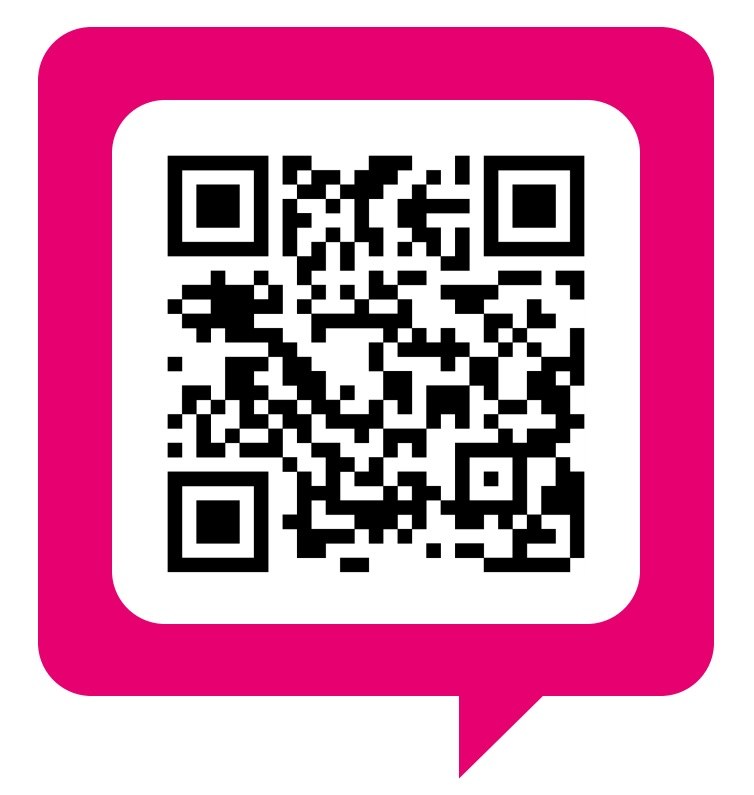
OuluBot Downloading Website
Download OuluBot in the address: https://oulubot.fi
You will be able to download OuluBot also through the QR code above. Some phones can read a QR code directly on the phone's camera.
You can also use a separate application meant for reading QR codes or, for example, Google Lens. Google Lens will open by clicking the camera icon on Google search field.
Click the "Lataa OuluBot" Button
Installation:
Installation on Android device:
Click ”Asenna” ("Install") when the phone asks whether to install OuluBot on the Applications display.
The device will tell you when the display image has been installed on the phone's application display. Click ”OK”.
Installation on iOS device:
Click the download icon at the bottom of the screen.
In the next display, click the option ”Lisää Koti-valikkoon” ("Add to Home Screen")
Finally, click ”Lisää” ("Add").
Using OuluBot
OuluBot can now be found on your app selection. When you open OuluBot, you will be sent directly to conversation view. You can begin the conversation by typing in your question.
Establishing OuluBot
Establishing OuluBot – the smart virtual assistant was conducted as an innovative public purchase. The partner for development was selected in March 2020, after which a development period began in the project (1.5.2020 - 31.12.2021). As partners for development are Digital Workforce Oy together with Front AI.
During the approximately year-long development period OuluBot developed into a smart virtual assistant which enables guiding and counselling customers 24/7. Oulubot was established in production use in 1.1.2022. Development work continues still. We will let you know about any new features and published topics as the work proceeds.
Contact Information
- Oulubot@ouka.fi
- Development Director Veli-Matti Keloneva veli-matti.keloneva@ouka.fi
- ICT Solution Specialist Sirpa Myllymäki tel. 044 703 1406, sirpa.myllymaki@ouka.fi
- Development Specialist Jarmo Rossi tel. 044 703 1318, jarmo.rossi@ouka.fi
- Development Specialist Hanna Korpiaho, tel. 044 703 0604, hanna.korpiaho@ouka.fi